Give a Calculation a Function
The same multiplication now appears in several results.
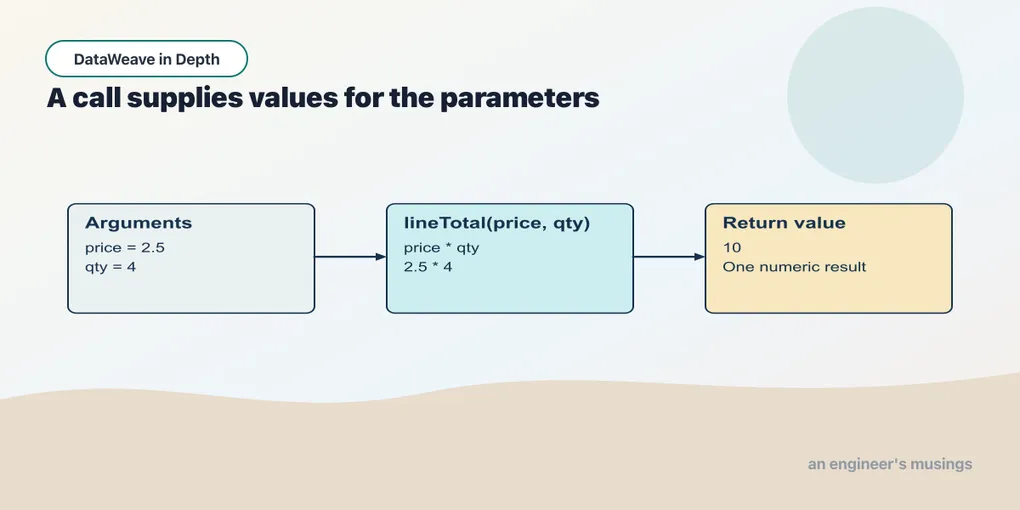
The same multiplication now appears in several results. Give it a name so each caller can use the calculation without copying its expression. We will start with ordinary calls and then give a longer calculation some local names.
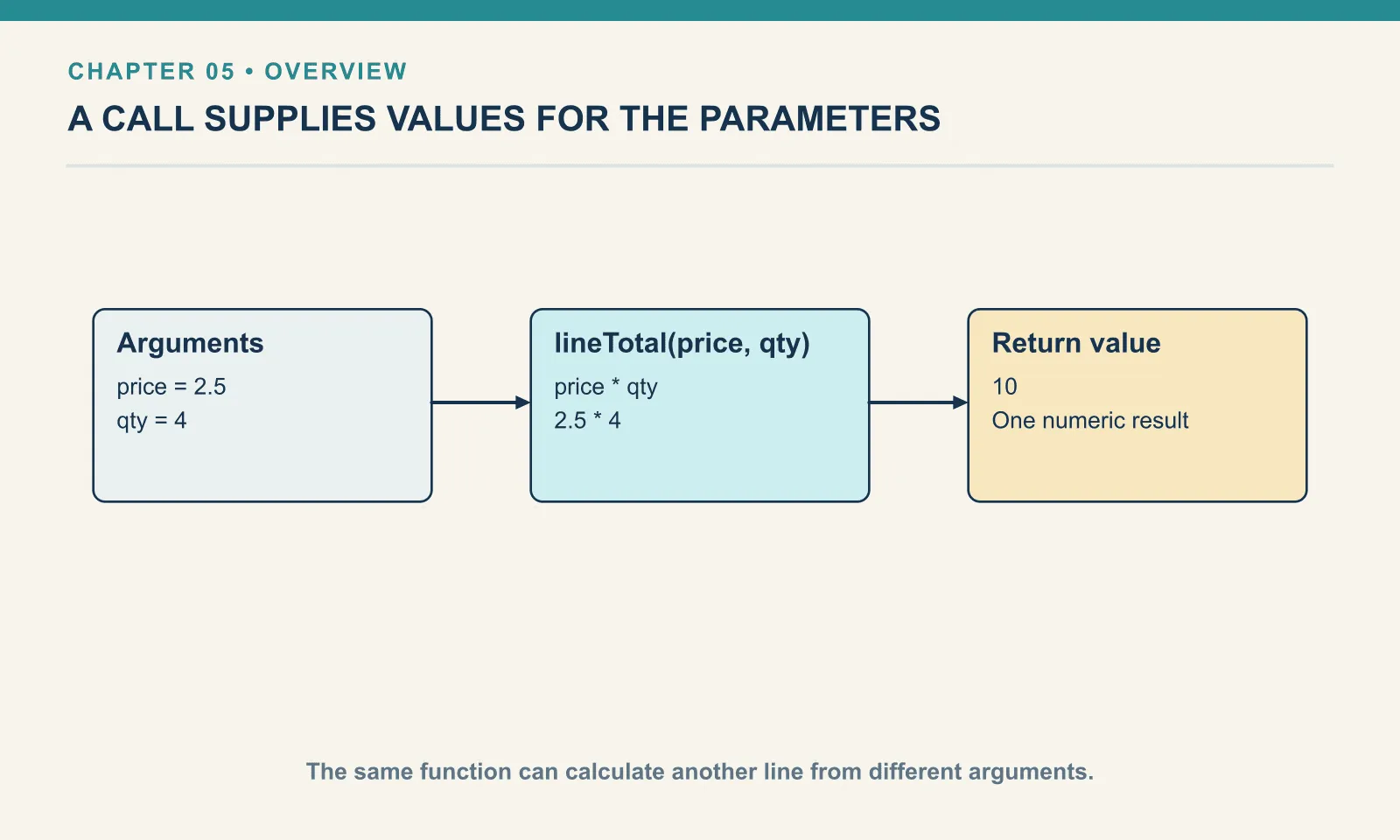
Example 27 — Call a line-total function.
%dw 2.0
output application/json
fun lineTotal(price, qty) = price * qty
---
{ pens: lineTotal(2.5, 4), pads: lineTotal(6, 2) }
Result:
{
  "pens": 10,
  "pads": 12
}
fun declares a function. The names price and qty are parameters: each call supplies their values in order. The expression after = is the function body, and its value is the result of the call. No return statement is needed.
The pens call substitutes 2.5 and 4 into the familiar multiplication. The pads call performs the same calculation with different arguments. The function has no dependency on a particular payload or order, which makes these small literal calls useful tests.
This helper depends only on its arguments. Repeating lineTotal(2.5, 4) gives the same value, and replacing that call with 10 does not change the enclosing calculation. This property is called referential transparency. It lets us check the helper on its own before investigating its caller. A function such as now(), which reads a changing clock, needs different reasoning; this claim applies to the line-total calculation.
Example 28 — Give a parameter a default.
%dw 2.0
output application/json
fun discountedBy(amount, rate = 0.1) = amount * (1 - rate)
---
{ usual: discountedBy(20), special: discountedBy(20, 0.3) }
Result:
{
  "usual": 18,
  "special": 14
}
A default argument lets the first call omit the rate. The second call supplies it explicitly. Both calls still produce new values; neither changes the amount passed in.
Example 29 — Declare numeric parameters.
%dw 2.0
output application/json
fun lineTotal(price: Number, qty: Number): Number = price * qty
---
{ numbers: lineTotal(2.5, 4), text: lineTotal("2.50", "4") }
Result:
{
  "numbers": 10,
  "text": 10
}
The colon after a parameter names its required type. The colon after the closing parenthesis names the result type. These Number parameters accept numeric strings by coercion, so both calls succeed. A parameter annotation describes what the body receives; it is not proof that the caller originally supplied a number.
Example 30 — Reject an incompatible argument.
%dw 2.0
output application/json
fun lineTotal(price: Number, qty: Number): Number = price * qty
---
lineTotal("many", 4)
Result (expected exit 255):
[ERROR] Error while executing the script:
[ERROR] Expecting Type: `Number`, but got: `"many"`.
	|-- From: `Number`
	|---- From: lineTotal(price: Number, qty: Number) -> Number

5| lineTotal("many", 4)
             ^^^^^^
Location:
030-reject-an-incompatible-argument (line: 5, column:11)
The error names lineTotal and its arguments. Read the supplied types against the expected types. Here the bad value is rejected at the function boundary.
Example 31 — Keep intermediate values local.
%dw 2.0
output application/json
fun receipt(price, qty) = do {
  var amount = price * qty
  var delivery = if (amount >= 100) 0 else 4.99
  ---
  { amount: amount, delivery: delivery, total: amount + delivery }
}
---
receipt(2.5, 4)
Result:
{
  "amount": 10,
  "delivery": 4.99,
  "total": 14.99
}
do provides a local header and one result expression. The names amount and delivery exist only inside this call. The object after its --- is the function’s result.
The delivery calculation can use amount, and the final object can use both names. We have kept each calculation readable without creating variables that unrelated functions can see. This is also why one body expression does not mean cramming every operation into one line.
Try it
Call receipt with an amount exactly at the free-delivery threshold and one just below it. Explain each expected total before running.
Show answer
Example 32 — Check the receipt boundary.
%dw 2.0
output application/json
fun receipt(price, qty) = do {
  var amount = price * qty
  var delivery = if (amount >= 100) 0 else 4.99
  ---
  { amount: amount, delivery: delivery, total: amount + delivery }
}
---
{ below: receipt(99.99, 1), at: receipt(100, 1) }
Result:
{
  "below": {
    "amount": 99.99,
    "delivery": 4.99,
    "total": 104.98
  },
  "at": {
    "amount": 100,
    "delivery": 0,
    "total": 100
  }
}
The below-threshold receipt includes 4.99 delivery, while the receipt at 100 includes none. These inputs check the decision boundary rather than merely repeating the ordinary example.
A function call lets us work with one item at a time. An order can contain any number of items, so next we will arrange for the same function to be applied to each of them.
Comments