Parse and Format Dates
A date-shaped string is still a string.
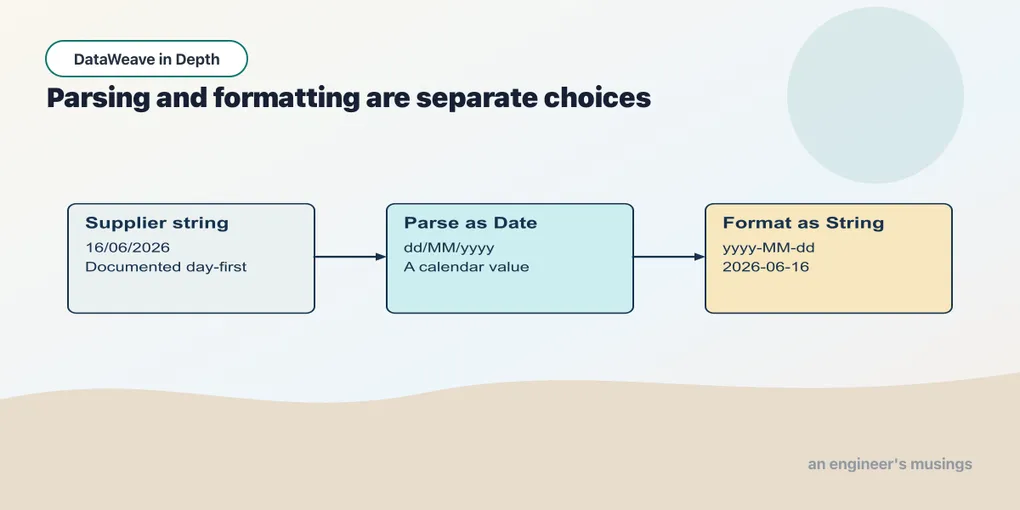
A date-shaped string is still a string. Before comparing dates or calculating a deadline, establish which date it represents. Start with a supplier whose day-first layout is documented; the parser should not have to guess.
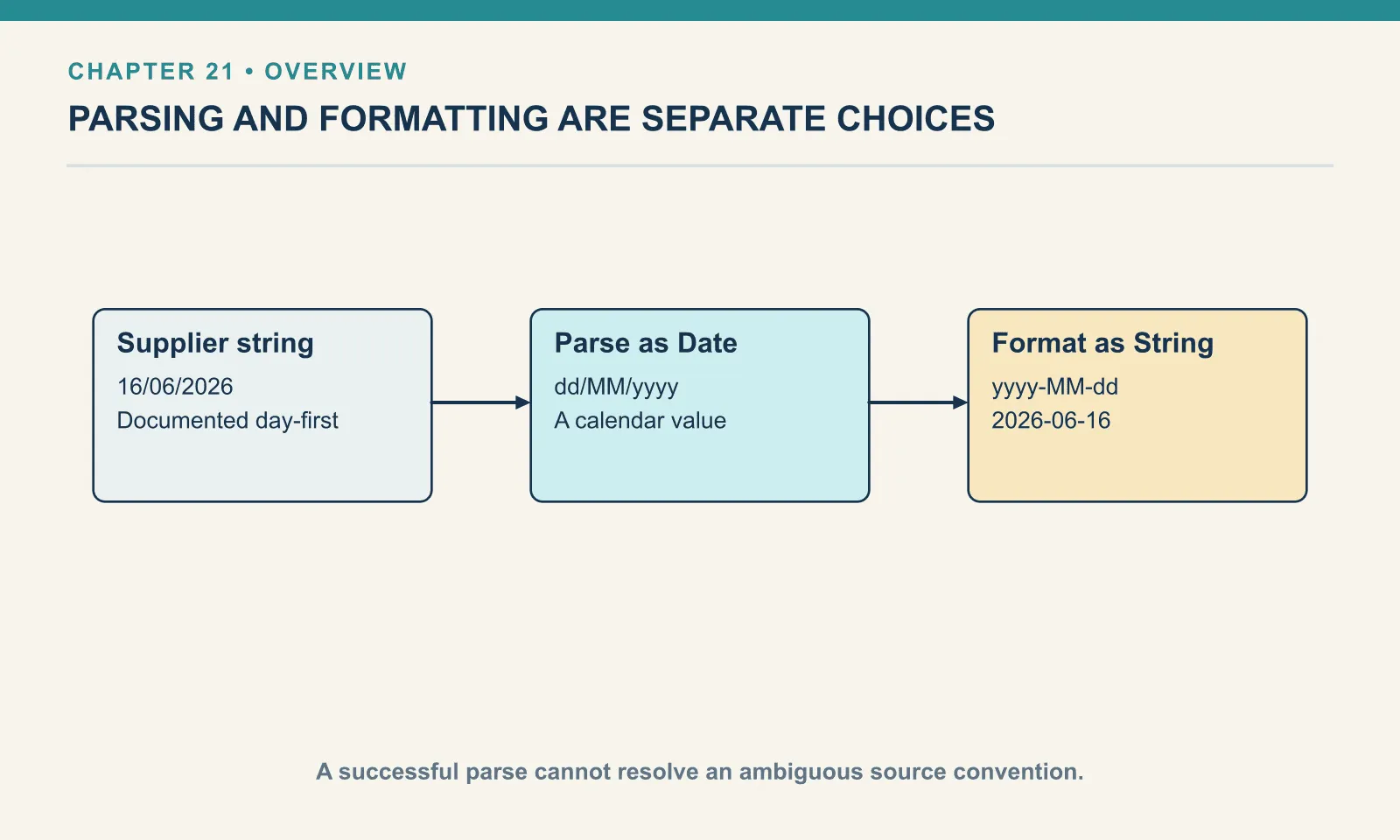
Example 214 — Parse a declared date layout.
%dw 2.0
output application/json
var placed = "16/06/2026" as Date {format: "dd/MM/yyyy"}
---
{ kind: typeOf(placed), suppliedLayout: placed, iso: placed as String {format: "yyyy-MM-dd"} }
Result:
{
  "kind": "Date",
  "suppliedLayout": "16/06/2026",
  "iso": "2026-06-16"
}
The parsed value has type Date, but the attached format schema can influence how it is written. iso explicitly chooses the output layout. Parsing answers which calendar date the text means; formatting answers how that date should be represented to a consumer.
Parsing and formatting with format schemas
Coercion with as crosses between strings and temporal values. Pipes delimit temporal literals: |2026-06-16| is a Date literal, whereas "2026-06-16" is a string. A LocalDateTime adds a time of day without an offset; a DateTime includes the offset needed to identify an instant. The format schema — {format: "…"} after the type — spells out a non-ISO-8601 shape:
Example 215 — Parse and format temporal values.
%dw 2.0
output application/json
---
{
  parsed:   "16/06/2026" as Date {format: "dd/MM/yyyy"},
  display:  |2026-06-16| as String {format: "dd MMM yyyy"},
  iso:      |2026-06-16| as String,
  isoIn:    "2026-06-16T14:30:00Z" as DateTime,
  withTime: "2026-06-16 14:30" as LocalDateTime {format: "yyyy-MM-dd HH:mm"},
  parsedType: typeOf("16/06/2026" as Date {format: "dd/MM/yyyy"}) as String
}
{
"parsed": "16/06/2026",
"display": "16 Jun 2026",
"iso": "2026-06-16",
"isoIn": "2026-06-16T14:30:00Z",
"withTime": "2026-06-16 14:30",
"parsedType": "Date"
}parsedType confirms that parsed is a Date; withTime is also a temporal value. Yet the JSON writer uses the remembered input formats, printing 16/06/2026 for parsed instead of ISO. Parsing has established the type needed for date operations without choosing a new presentation. To produce a different layout, coerce the value as String with that layout explicitly: as String {format: "yyyy-MM-dd"} gives the ISO date required by an ISO-date consumer.
An ISO-8601 string needs no schema at all (isoIn). Anything else needs one, and the tokens are Java’s DateTimeFormatter set: yyyy year, MM month, dd day, HH 24-hour, hh 12-hour, mm minutes, ss seconds, a the AM/PM marker. The next chapter explains named zones and their display tokens.
The mm that meant minutes, exactly
The tokens are case-sensitive. Formatting with mm in the month position writes minutes into a date-shaped string. Parsing with the same mistake fails when the pattern supplies no month:
Example 216 — Confuse month and minute tokens.
%dw 2.0
output application/json
---
{ wrong: "16/06/2026 14:30" as LocalDateTime {format: "dd/mm/yyyy HH:mm"} }
[ERROR] Error while executing the script:
[ERROR] Cannot coerce String (16/06/2026 14:30) to LocalDateTime, caused by: Text '16/06/2026 14:30' could not be parsed at index 14
4| { wrong: "16/06/2026 14:30" as LocalDateTime {format: "dd/mm/yyyy HH:mm"} }
^^^^^^^^^^^^^^^^^^^^^^^^^^^^^^^^^^^^^^^^^^^^^^^^^^^^^^^^^^^^^^^^
Trace:
at 216-mm-trap-parse::main (line: 4, column: 10) at:
4| { wrong: "16/06/2026 14:30" as LocalDateTime {format: "dd/mm/yyyy HH:mm"} }
^^^^^^^^^^^^^^^^^^^^^^^^^^^^^^^^^^^^^^^^^^^^^^^^^^^^^^^^^^^^^^^^The pattern asks for minutes twice and never asks for a month. Without a month, the parser cannot assemble a LocalDateTime. "2026-06-16" as Date {format: "yyyy-mm-dd"} fails the same way with Unable to convert 2026-06-16 to Date. So the rule is narrower than the folklore: parsing with the wrong case fails loudly, formatting with the wrong case succeeds silently. The bug survives review on the output side — it looks like a date.
Three other parse and format mistakes, each run:
A non-ISO string with no schema. There is no format to guess from, and DataWeave will not invent one:
[ERROR] Cannot coerce String (06/16/2026) to Date

4| { us: "06/16/2026" as Date }
hh without an AM/PM marker. Twelve-hour parsing needs to know which half of the day it is. Without a it cannot build a time, even for 02:00:
[ERROR] Cannot coerce String (02:00) to LocalTime, caused by: Text '02:00' could not be parsed: Unable to obtain LocalTime from TemporalAccessor: {MinuteOfHour=0, HourOfAmPm=2},ISOWith the marker, "02:00 PM" as LocalTime {format: "hh:mm a"} gives 14:00, and "14:00" with HH:mm parses directly. The silent case is on the format side again: |14:00:00| as String {format: "hh:mm"} prints 02:00 with nothing to say it was afternoon.
Day-of-month overflow. This one I did not expect:
Example 217 — Inspect invalid calendar dates.
%dw 2.0
output application/json
---
{
  feb31: "31/02/2026" as Date {format: "dd/MM/yyyy"},
  apr31: "31/04/2026" as Date {format: "dd/MM/yyyy"},
  feb29: "29/02/2026" as Date {format: "dd/MM/yyyy"}
}
{
"feb31": "28/02/2026",
"apr31": "30/04/2026",
"feb29": "28/02/2026"
}A day past the end of the month is clamped to the last valid day, with no error. 31 February becomes the 28th; 29 February in a non-leap year becomes the 28th. An hour of 25 fails (Invalid value for HourOfDay (valid values 0 - 23): 25), and a month of 13 fails (Cannot coerce String (2026-13-01) to Date), but the day field is lenient. If a feed’s dates can be typed by hand, validate the day against the parsed value ((s as Date {…}) as String {format: "dd/MM/yyyy"} == s) rather than trusting the parse to reject it.
Try it
The strings 06/07/2026 and 16/06/2026 arrive from a supplier that documents day-first dates. Which layout should the parser use, and why should it not choose a layout by trying alternatives until one succeeds?
Show answer
Use dd/MM/yyyy for both. The first value is ambiguous across day-first and month-first conventions. A successful parse cannot identify the producer’s intended date. Select the layout from the source contract and include the ambiguous value in the fixture.
A parsed temporal type does not by itself guarantee the text was acceptable under the source contract. Check invalid calendar input and the required output format separately. Next we will add the information needed to identify an instant.
Comments