Enums in Kotlin: Small, Useful, and More Powerful Than They Look
Kotlin enums coming from Java: constants that carry data and per-value behavior, exhaustive when, entries vs values(), the ordinal trap, Comparable ordering, interface implementation, and the reified enumValues/enumValueOf helpers.
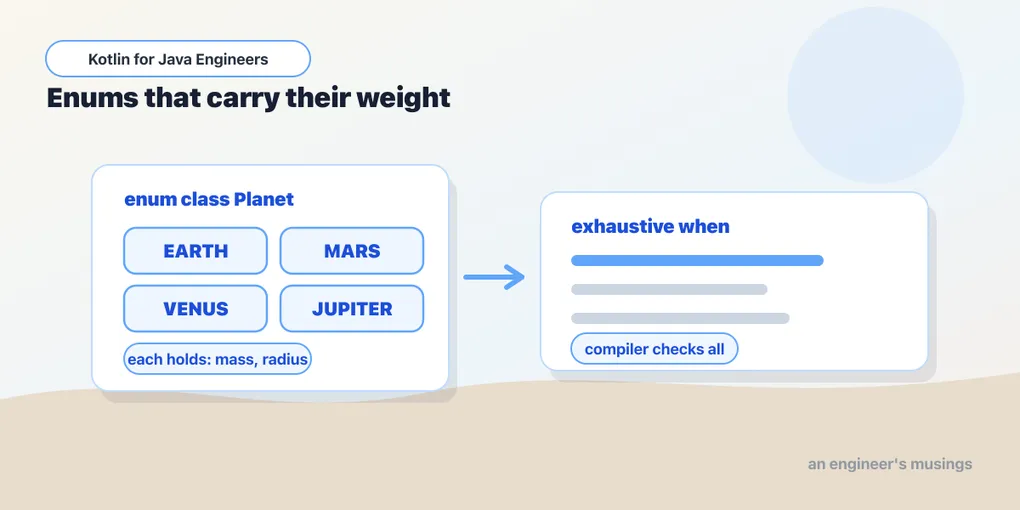
Coming from Java, Kotlin’s enums will feel familiar immediately. An enum is a fixed set of possible values: directions, statuses, roles, modes. What’s easy to miss is how much more they carry once you need it. They hold data per constant, behavior per constant, exhaustive when, and a clean reflective surface. This chapter builds up from the basics to the parts a Java engineer hasn’t necessarily seen. Everything was run against Kotlin 2.4.10.
This follows the class types tour; enums are the one flavor deep enough to repay a chapter of their own.
The simplest enum
enum class Direction { NORTH, SOUTH, EAST, WEST }

val d = Direction.NORTH
An enum earns its place the moment a value should be one of a known set. Instead of passing "north" and hoping nobody types "nroth", you get a type the compiler checks:
fun move(direction: Direction) { println("Moving $direction") }Enums and exhaustive when
Enums pair beautifully with when. When the subject is an enum used as an expression, covering every constant means you need no else:
fun describe(d: Direction): String = when (d) {
    Direction.NORTH -> "Going up"
    Direction.SOUTH -> "Going down"
    Direction.EAST  -> "Going right"
    Direction.WEST  -> "Going left"
}
Add a CENTER constant later and every exhaustive when becomes a compile error, pointing at the code that forgot it. That is the same refactoring safety net sealed types give. It is also the reason to omit the else on an enum when: a defensive else would silently swallow the new case.
Constants that carry data
Like Java enums, Kotlin enums can hold properties — pass the values in the constructor:
enum class HttpStatus(val code: Int) {
    OK(200), NOT_FOUND(404), INTERNAL_SERVER_ERROR(500);

    fun isError(): Boolean = code >= 400
}

HttpStatus.NOT_FOUND.code        // 404
HttpStatus.INTERNAL_SERVER_ERROR.isError()   // true
Note the semicolon after the last constant. Kotlin requires it whenever the enum body continues with functions or properties after the constant list. That single ; is the one piece of enum punctuation people forget.
Behavior per constant
Sometimes each constant needs its own implementation. Declare an abstract member and let each constant override it in its own body:
enum class Operation {
    ADD      { override fun apply(a: Int, b: Int) = a + b },
    SUBTRACT { override fun apply(a: Int, b: Int) = a - b },
    MULTIPLY { override fun apply(a: Int, b: Int) = a * b };

    abstract fun apply(a: Int, b: Int): Int
}

Operation.ADD.apply(2, 3)    // 5
Each constant is effectively an anonymous subclass. This is powerful and easy to overuse. If a constant’s behavior grows past a few lines, that logic usually belongs in a real class or a function, not wedged into the enum. For a fixed set of small strategies, though, it’s exactly right.
entries, not values()
Every enum exposes its constants. Modern Kotlin’s accessor is entries, a List. It arrived in 1.9 to replace the array-allocating values():
for (d in Direction.entries) println(d)Prefer entries — values() still exists but allocates a fresh array on every call, a needless cost in a loop. To look up by name, valueOf throws on a miss, so for user input parse defensively:
Direction.valueOf("NORTH")                                    // NORTH, or throws
fun parse(s: String) = Direction.entries.find { it.name == s.uppercase() }   // null-safe
name, ordinal, and the ordinal trap
Every constant has a name (the identifier as a string) and an ordinal (its zero-based position). The name is stable; the ordinal is not. Reorder the constants and every ordinal shifts. So never persist an ordinal to a database, wire protocol, or external API. A future reordering silently corrupts the stored data. When you need a stable external value, give the enum an explicit property and use that:
enum class Role(val code: String) { ADMIN("admin"), EDITOR("editor"), VIEWER("viewer") }Enums are Comparable
Enums implement Comparable by ordinal, so </> and sorting work out of the box. That is a second reason to be deliberate about constant order: it defines the sort.
enum class Priority { LOW, MEDIUM, HIGH }
Priority.LOW < Priority.HIGH        // true — compares by ordinal
listOf(Priority.HIGH, Priority.LOW).sorted()   // [LOW, HIGH]
Enums can implement interfaces
An enum can satisfy a contract, which lets different enum types share a common shape:
interface Displayable { val displayName: String }

enum class AccountType(override val displayName: String) : Displayable {
    FREE("Free"), PRO("Pro"), ENTERPRISE("Enterprise")
}
Anything expecting a Displayable now accepts an AccountType. (Enums can implement but not extend — they already have a hidden superclass, Enum.)
The reified helpers
Two standard-library functions read an enum generically. You reach for them when the enum type is itself a type parameter — say, a generic settings loader. They’re inline with a reified type parameter, so you call them with the type in angle brackets and no Class token:
enumValues<Direction>().toList()     // [NORTH, SOUTH, EAST, WEST]
enumValueOf<Direction>("NORTH")      // NORTH
These are the generic-context counterparts to Direction.entries and Direction.valueOf(...). They only exist because inlining keeps the concrete enum type available at the call site.
A practical example
enum class SubscriptionPlan(val displayName: String, val monthlyPrice: Int) {
    FREE("Free", 0), PLUS("Plus", 10), PRO("Pro", 25);
    fun isPaid(): Boolean = monthlyPrice > 0
}

fun messageFor(plan: SubscriptionPlan): String = when (plan) {
    SubscriptionPlan.FREE -> "You are on the free plan."
    SubscriptionPlan.PLUS -> "Thanks for subscribing to Plus."
    SubscriptionPlan.PRO  -> "Welcome, power user."
}
A fixed set of valid plans, readable names, associated data, behavior next to the data, and exhaustive handling — a lot of mileage from a small feature.
Final thoughts
Start with plain constants; add properties when each value needs data; add per-constant behavior only while it stays small; and lean on exhaustive when as a safety net rather than a defensive else. Two traps are worth remembering. One is the semicolon after the constants when the body continues. The other is the ordinal — stable-looking, silently unstable — which is why an explicit code property beats it for anything that leaves the process.
Next: interfaces, and the behavior they carry that Java’s never could — default method bodies and property contracts any class can mix in.
Practice: reinforce this with the companion workbook — short, click-to-reveal problems.
Comments