Every Game Has a Heartbeat
The setup lines from your first window, finally explained: meet the game loop — the heartbeat that redraws the screen 60 times a second and powers every video game.
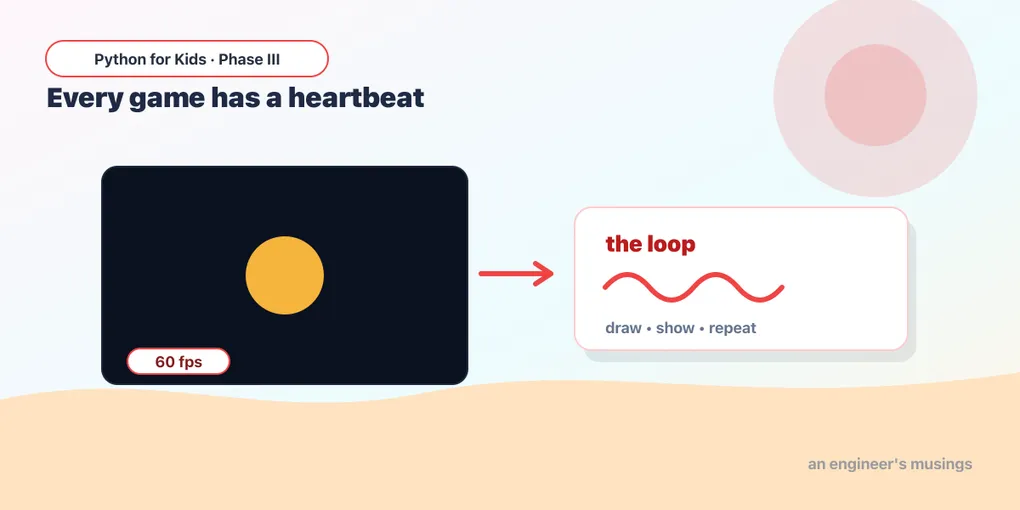
Last lesson you opened your first game window and dropped a circle in it — and I promised those mysterious setup lines would make sense. Time to keep that promise. Today we crack open the one thing every game has underneath it: a heartbeat.
What is a game loop?
A turtle drawing happens once and stops. A game never stops, until you quit. Think about any game you’ve played: the screen redraws over and over, many times a second, checking “did you press a key? did anything move? did anything crash?” That over-and-over is the game loop — the heartbeat of the whole game.
Here’s a way to picture it: a cartoon flipbook looks like it’s moving, but it’s really just a stack of still pictures flicked past fast. A game pulls the same trick — each trip around the loop draws one still picture (a frame) and shows it. Sixty frames a second, and still pictures turn into a game you can play.
Here’s that same little program from last lesson. Run it again (then ■ Stop) — but this time we’re going to understand every line:
Runs on Skulpt + pygame4skulpt — in your browser, nothing installed.
A window opened, with a gold circle on a dark background. It doesn’t look like much is happening — but behind the scenes that loop is running about 60 times every second, redrawing the whole picture each time. The game is alive.
Reading the heartbeat
Don’t worry about memorizing any of this. Every game you’ll make starts with the very same setup lines — you just copy them and get to the fun part. But none of it should feel like a magic spell, so here’s what each line is doing:
pg.init()— wake pygame up so it’s ready to open a window and draw. (Once, at the very top.)screen = pg.display.set_mode((400, 300))— open the game window, 400 wide and 300 tall.screenis our canvas: everything gets drawn onto it.clock = pg.time.Clock()— a little stopwatch that keeps the heartbeat steady, so the game doesn’t race along too fast.while running:— the loop itself. Everything indented under it repeats, over and over, untilrunningturnsFalse.clock.tick(60)— “slow down so we loop at most 60 times a second.” That’s the heartbeat speed: 60 frames every second.for event in pg.event.get():— look at the list of things that just happened (a key pressed, the window’s ✕ clicked). For now we only care about one: if the window is closed (pg.QUIT), setrunning = Falseto stop. (This is where we’ll catch key presses in a few lessons.)screen.fill((20, 24, 40))— paint the whole screen dark blue, wiping the last frame clean so we can draw a fresh one. (Those three numbers are a color — more on that next time.)pg.draw.circle(...)— draw the circle onto the screen.pg.display.flip()— show the freshly-drawn frame in the window. Until you flip, your drawing stays invisible!
Draw, show, repeat — 60 times a second. Each trip around the loop is one frame of your flipbook. That’s it.
Try it 🎯
Edit the program above and Run after each change:
- Make the heartbeat slow: change
clock.tick(60)toclock.tick(2). (Nothing looks different yet because nothing moves — but next lesson it’ll matter a lot!) - Make the circle bigger: change the last number in
draw.circlefrom40to90. - Move the circle: the
(200, 150)is its position. Change it to(100, 80). Where does it go?
Drawing more than one thing
Everything between fill and flip is your picture for that frame. Want two shapes? Draw two — order matters, later ones go on top:
Runs on Skulpt + pygame4skulpt — in your browser, nothing installed.
A blue rectangle and an orange circle. pg.draw.rect takes (left, top, width, height) — so this rectangle starts at x=60, y=110 and is 120 wide, 80 tall.
Your mission 🚀
Add a third shape to the picture above. Try another rectangle or circle, in a new spot, with its own color. Put it before the circle line and see it appear behind the circle; put it after and it lands on top. You can’t break anything — tinker away!
What you learned today
- A game runs a game loop — a “draw, show, repeat” heartbeat, many times a second.
set_modeopens the window;screen.fillpaints the background;pg.draw.rect/pg.draw.circledraw shapes;pg.display.flipshows the frame.clock.tick(60)keeps the heartbeat steady; checking events lets the window close.- Later shapes draw on top of earlier ones.
Right now the picture sits still. Next time we get serious about drawing — colors, more shapes, and the X-and-Y coordinate map of the screen — so you can paint exactly what you want, exactly where you want it.
Next: Painting by X and Y 🎮
Comments