A Whole Swarm
Upgrade the star catcher from one falling star to a whole swarm of them, using a Python list to spawn, move, and clean up many game objects at once.
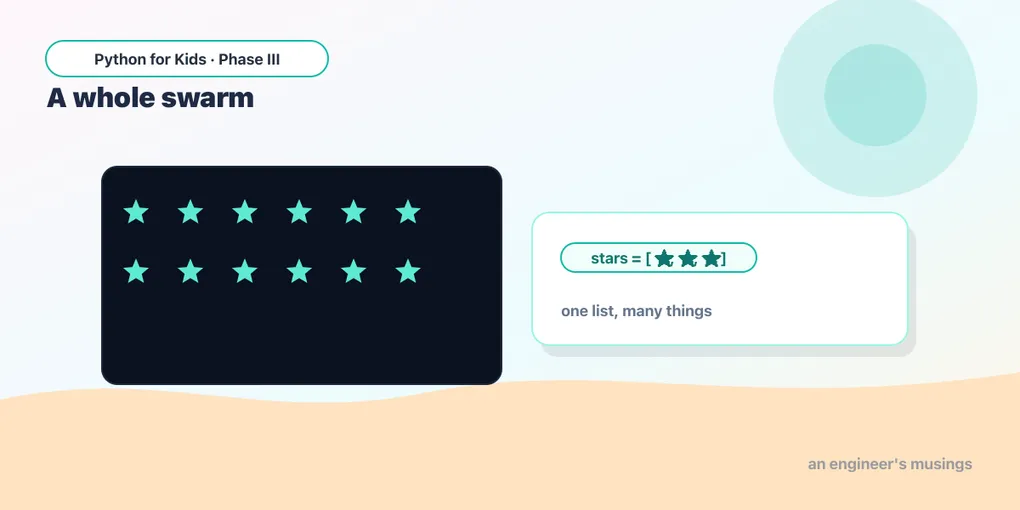
In Catch the Stars you had one falling star and a basket that caught it. One star is fun for about ten seconds. Real games rain stars down — a whole swarm, falling at once, new ones appearing, old ones dropping off the bottom.
How do you keep track of fifty stars without writing star1, star2, star3… fifty times? You already know the answer from Phase II: a list.
One star, then many
A list is a row of things in a box: [3, 7, 9]. Today each thing in the box is a star, and we’ll describe a star with a tiny dictionary — its x and its y:
star = {"x": 200, "y": 0}A swarm is just a list of those:
stars = [{"x": 50, "y": 0}, {"x": 200, "y": 0}, {"x": 350, "y": 0}]To draw them all, you don’t draw three times by hand — you loop. One for loop draws the whole swarm:
Runs on Skulpt + pygame4skulpt — in your browser, nothing installed.
Three gold stars, drawn by one loop. Add a fourth to the stars list — {"x": 120, "y": 300} — and run again. You didn’t touch the drawing code at all. That’s the whole point of a list: the loop handles however many there are.
Make the swarm fall
A star falls when its y grows. So each frame, loop over the swarm and nudge every y down a bit:
Runs on Skulpt + pygame4skulpt — in your browser, nothing installed.
All three rain down together. But they fall off the bottom and… that’s it. The swarm runs out. A real game needs new stars to keep appearing.
Spawn new stars over time
To add a star to a list, you use .append(...) — you met it in Phase II. We don’t want a new star every frame (that’s 60 a second!), so we count frames and spawn one every so often:
Runs on Skulpt + pygame4skulpt — in your browser, nothing installed.
Now stars keep coming, forever, from random spots across the top. But there’s a sneaky problem you can’t see yet: the stars that fall off the bottom never leave the list. It grows and grows — hundreds of invisible stars, all still being moved and drawn below the screen. Eventually the game would crawl. We need to clean up.
Throw away the off-screen stars
To remove the stars that have fallen past the bottom, we build a fresh list of just the keepers — the ones still on screen — and use that from now on:
stars = [s for s in stars if s["y"] < 400]Read it out loud: “stars is each star s, for every s in stars, if that star’s y is still less than 400.” Any star past the bottom (y of 400 or more) simply doesn’t make the new list. Gone.
Runs on Skulpt + pygame4skulpt — in your browser, nothing installed.
Same swarm on screen — but now the off-screen stars are tidied away every frame. Spawn, move, clean up. That rhythm is how almost every “lots of things” game works: enemies, bullets, coins, raindrops. All just a list you grow and trim.
Try it 🎯
Edit the program above and Run after each change:
- Make it rain harder: change the timer’s
30to15. (Twice as many stars!) - Make them fall faster: change
s["y"] + 3tos["y"] + 7. - Make the stars bigger: change the
12indraw.circleto20.
Your mission 🚀
Bring back the catcher! Add a basket (a rectangle) that moves left and right with the arrow keys, like in Catch the Stars — but now it’s catching from a swarm. You’ll need:
- a
basket_xvariable, moved onpg.K_LEFT/pg.K_RIGHTKEYDOWN events (rememberpg.key.set_repeat(50, 25)near the top so holding a key keeps it gliding), - a
scorethat goes up when a star is caught.
To check a catch, give the basket a pg.Rect and test each star against it. The clever bit: when a star is caught, just don’t keep it — fold the catch into the same cleanup line, so a star leaves the list if it’s caught or it falls off the bottom. (Hint: a “caught” star is one whose position is inside the basket’s rectangle.) Don’t worry if it takes a few tries — that’s exactly what real game-makers do.
What you learned today
- Many game objects = one Python list, not a hundred separate variables.
- One
forloop can update the whole swarm; another draws it. .append(...)adds a new object; a frame timer keeps you from spawning too many.- To remove objects safely, build a fresh list of the keepers:
stars = [s for s in stars if s["y"] < 400].
A swarm of stars is great, but right now the game just… starts, with no beginning and no end. Next time we give it a start screen, a game-over screen, and a way to play again — the difference between a toy and a real game.
Next: Start, Play, Game Over 🎮
Comments