Read and Write XML Orders
The order now arrives as XML.
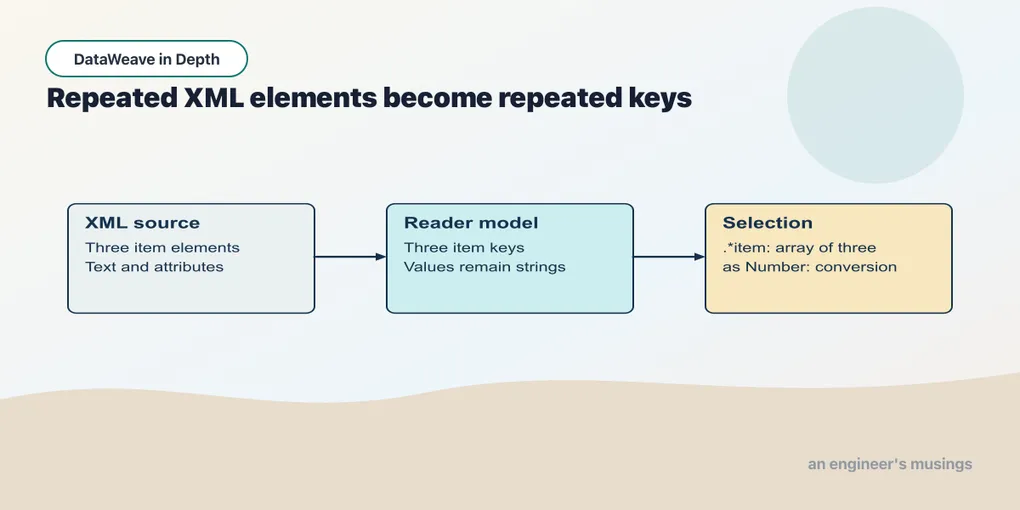
The order now arrives as XML. Its element text, attributes and repeated children need to survive as values the transformation can use. Start with one unnamespaced order and inspect what the reader supplies before building the JSON result.
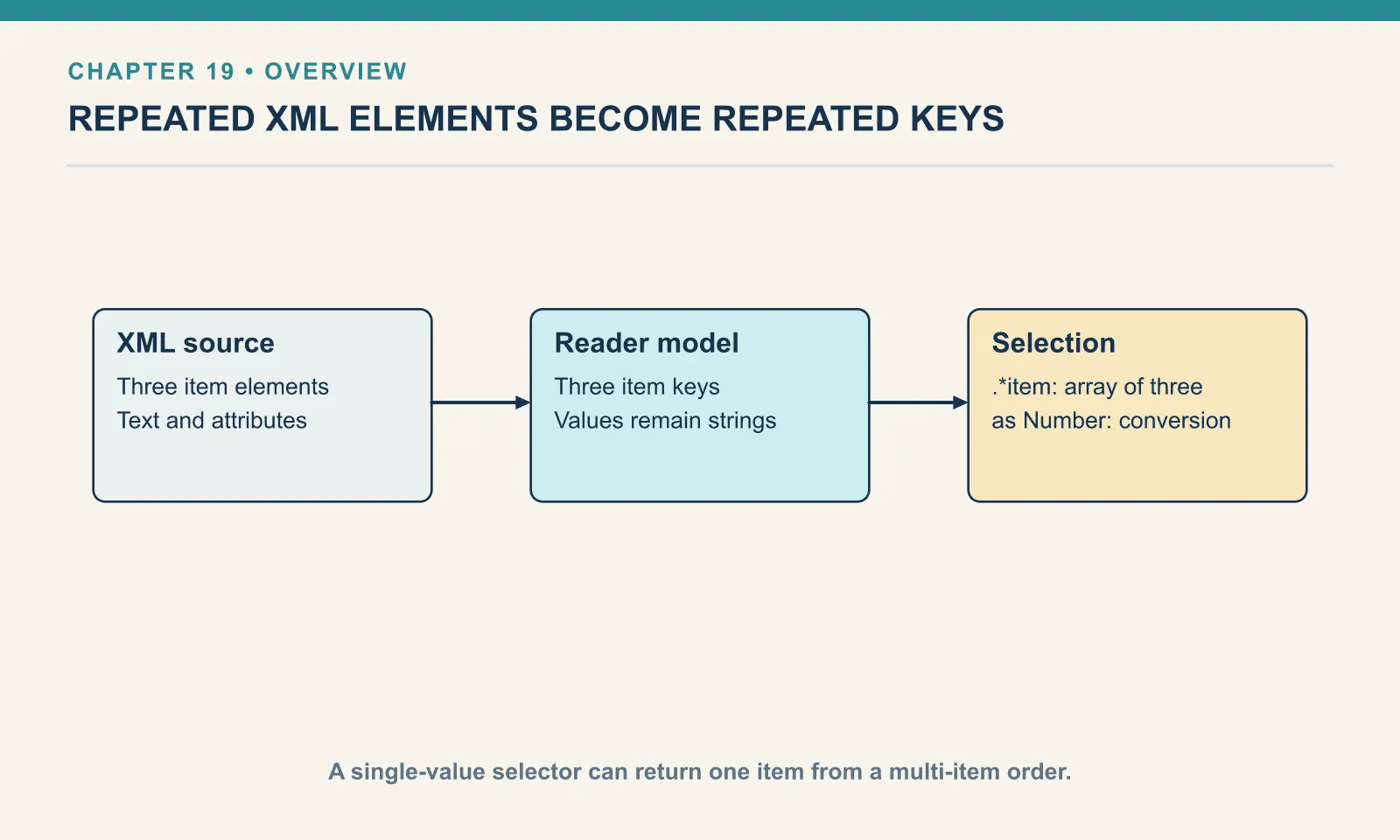
What the reader makes of XML
A selector can silently lose data when the model represents XML differently from what you assumed. The model has to carry XML’s structure through keys and values, and attributes, namespaces, mixed text and repeated elements each have a representation in it. The application/dw writer can display those model values directly; the repeated-element example below uses it to make duplicate keys visible.
Attributes ride on the key. The model keeps attributes as a decoration — written @(…) — and the attribute selector reads them back:
Example 183 — Select XML attributes.
Input payload — order.xml:
<order id="A-1001" channel="web">
  <customer>Dana</customer>
  <item sku="PEN-01" qty="4">Ballpoint pen</item>
  <item sku="PAD-22" qty="2">Notepad</item>
  <item sku="CLP-08" qty="10">Binder clip</item>
  <coupon/>
  <total currency="USD">32.00</total>
</order>
%dw 2.0
output application/json
---
{
orderId: payload.order.@id,
channel: payload.order.@channel,
amount: payload.order.total,
currency: payload.order.total.@currency,
amountType: typeOf(payload.order.total) as String
}{
"orderId": "A-1001",
"channel": "web",
"amount": "32.00",
"currency": "USD",
"amountType": "String"
}.@id selects one attribute by name. A bare .@ returns the whole attribute object. That lets you iterate the attributes or check what is there:
Example 184 — Inspect an XML attribute object.
Use order.xml as payload, as above.
%dw 2.0
output application/json
---
{
  all:  payload.order.@,
  keys: keysOf(payload.order.@) map ($ as String),
  qtys: payload.order.*item.@qty
}
{
"all": {
"id": "A-1001",
"channel": "web"
},
"keys": [
"id",
"channel"
],
"qtys": [
"4",
"2",
"10"
]
}The last line shows the attribute selector distributing over an array. .*item, covered below, gives three elements, and .@qty on that gives three attribute values.
Everything is a string, and what that does and does not break
amountType above says String, as do the other text and attribute values shown: the XML reader does not infer numbers. The next script shows where an operation coerces those strings and where their type remains visible:
Example 185 — Check the types of XML text values.
Use order.xml as payload, as above.
%dw 2.0
output application/json
---
{
  raw:        payload.order.total,
  doubled:    payload.order.total * 2,
  joined:     payload.order.total ++ payload.order.total,
  coerced:    payload.order.total as Number,
  compared:   payload.order.total > 5,
  lineTotals: payload.order.*item map ($.@qty * 2.5)
}
{
"raw": "32.00",
"doubled": 64,
"joined": "32.0032.00",
"coerced": 32,
"compared": true,
"lineTotals": [
10,
5,
25
]
}Arithmetic and comparison coerce the strings in these examples: "32.00" * 2 gives 64, "4" * 2.5 gives 10, and "32.00" > 5 gives true. Writing the selected value does not make the same conversion. raw remains the string "32.00", while ++ concatenates the two strings.
Explicit as Number therefore establishes the value’s type for the rest of the transform, even where arithmetic could do the coercion itself. Put the conversion where the value is produced, so both the calculation and the output receive a number. Chapter 18 shows why sorting needs that decision too.
Writing attributes
Producing attributes is the same @(…) decoration on a key in the object you build. Here the JSON order from chapter 17 goes out as the XML this chapter opened with:
Example 186 — Write XML elements and attributes.
Input payload — order.json:
{ "orderId": "A-1001", "customer": "Dana", "coupon": null, "tags": ["gift", null, "rush"],
  "items": [
    { "sku": "PEN-01", "price": 2.5, "qty": 4, "note": null },
    { "sku": "PAD-22", "price": 6.0, "qty": 2 },
    { "sku": "CLP-08", "price": 1.0, "qty": 10 }
  ] }
%dw 2.0
output application/xml
---
{
order @(id: payload.orderId, status: "shipped"): {
customer: payload.customer,
(payload.items map {
item @(sku: $.sku, qty: $.qty): $.sku
}),
total @(currency: "USD"): sum(payload.items map ($.price * $.qty))
}
}<?xml version='1.0' encoding='UTF-8'?>
<order id="A-1001" status="shipped">
<customer>Dana</customer>
<item sku="PEN-01" qty="4">PEN-01</item>
<item sku="PAD-22" qty="2">PAD-22</item>
<item sku="CLP-08" qty="10">CLP-08</item>
<total currency="USD">32</total>
</order>The parenthesised map splices three item pairs into the enclosing object, giving the XML writer repeated children under one root. The total went out as 32, not 32.00; chapter 17 explained why number presentation needs an explicit choice. A consumer that wants two decimals needs a formatted string.
The single-versus-many selector
Now the trap from the first paragraph, with all three shapes of feed run through the same script:
Example 187 — Select one or all repeated elements.
Use order.xml as payload, as above.
%dw 2.0
output application/json
---
{
  single: payload.order.item,
  many:   payload.order.*item,
  singleSku: payload.order.item.@sku,
  manySku:   payload.order.*item.@sku
}
Against the three-item order:
{
  "single": "Ballpoint pen",
  "many": [
    "Ballpoint pen",
    "Notepad",
    "Binder clip"
  ],
  "singleSku": "PEN-01",
  "manySku": [
    "PEN-01",
    "PAD-22",
    "CLP-08"
  ]
}
Against a one-item order:
{
  "single": "Ballpoint pen",
  "many": [
    "Ballpoint pen"
  ],
  "singleSku": "PEN-01",
  "manySku": [
    "PEN-01"
  ]
}
And against an order with no <item> at all:
{
  "single": null,
  "many": null,
  "singleSku": null,
  "manySku": null
}
The reader represents a repeated element by putting the key into the object more than once. These are the duplicate keys from chapter 17. .item means “the first item key”, and on any XML that is what it returns. .*item means “every item key, as an array”. On one item it returns an array of one. That keeps .*item map … consistent across one-line and thirty-line orders.
The third run is the correction to something I believed before running it. .*item on an element that is absent returns null, not an empty array. Calling map on that null quietly produces null, rather than the empty array you would get by mapping []:
Example 188 — Select an absent element collection.
Input payload — no-items.xml:
<order id="A-1012" channel="web">
  <customer>Dana</customer>
</order>
%dw 2.0
output application/json
---
{
many: payload.order.*item,
mapped: payload.order.*item map $.@sku,
guarded: (payload.order.*item default []) map $.@sku,
count: sizeOf(payload.order.*item default [])
}{
"many": null,
"mapped": null,
"guarded": [
],
"count": 0
}sizeOf(null) is also null, so sizeOf(payload.order.*item) reports null for an order with no matching items. If a consumer needs [] and 0, default [] right after the selector is the whole fix. I now write it by reflex on any .* that can be absent.
The other direction fails loudly, which is a mercy. Use map on the single-value selector and the one-item feed hands map a string:
Example 189 — A single element is not an array.
Input payload — one-item.xml:
<order id="A-1011" channel="web">
  <customer>Dana</customer>
  <item sku="PEN-01" qty="1">Ballpoint pen</item>
</order>
%dw 2.0
output application/json
---
payload.order.item map { sku: $.@sku, name: $ }[ERROR] Error while executing the script:
[ERROR] You called the function 'map' with these arguments:
1: String ("Ballpoint pen")
2: Function (($:Any, $$:Any) -> ???)
But it expects arguments of these types:
1: Array
2: Function
4| payload.order.item map { sku: $.@sku, name: $ }
^^^
Trace:
at 189-a-single-element-is-not-an-array::main (line: 4, column: 20) at:
4| payload.order.item map { sku: $.@sku, name: $ }
^^^That error is the one you want to see in a test, because the silent alternative is .item returning the first line and the transform running to completion.
One more selector that looks like it should gather and does not. The descendants selector .. applies the single-value rule at every level. On repeated siblings it collects one per parent:
Example 190 — Compare XML descendant selectors.
Use order.xml as payload, as above.
%dw 2.0
output application/json
---
{
  descendItem: payload..item,
  descendStar: payload..*item,
  jsonDescend: read('{"items":[{"sku":"PEN-01"},{"sku":"PAD-22"}]}', "application/json")..sku
}
{
"descendItem": [
"Ballpoint pen"
],
"descendStar": [
"Ballpoint pen",
"Notepad",
"Binder clip"
],
"jsonDescend": [
"PEN-01",
"PAD-22"
]
}..item found one of the three, because all three sit under the same parent. ..sku in the JSON found both, because each sku sits in its own object. ..*item is the form that means “every item, anywhere”. The rule: only the * forms — .* and ..* — gather repeated siblings.
Three ways the XML reader and writer fail
The writer needs exactly one root. Give it an object with two top-level keys and it writes the first, then stops:
Example 191 — Try writing two XML roots.
Use order.xml as payload, as above.
%dw 2.0
output application/xml
---
{
  id: payload.order.@id,
  customer: payload.order.customer
}
[ERROR] Error while executing the script:
[ERROR] Trying to output second root, <customer>, while writing Xml at . at:Give it an array at the root and the message is less helpful, because the writer tried to coerce the array to text content:
Example 192 — Try writing an array at the XML root.
Use order.xml as payload, as above.
%dw 2.0
output application/xml
---
payload.order.*item[ERROR] Error while executing the script:
[ERROR] Cannot coerce Array to String
4| payload.order.*item
^^^^^^^^^^^^^^^^^^^
Trace:
at 192-array-root-output::main (line: 4, column: 1) at:
4| payload.order.*item
^^^^^^^^^^^^^^^^^^^Wrapping the array as { items: payload.order.*item } fails with Trying to output second root, <items>. An array under a key writes one <items> element per array entry. What the writer needs is a key per element. The parenthesised-map splice from the attributes section provides that:
Example 193 — Put repeated elements under one root.
Use order.xml as payload, as above.
%dw 2.0
output application/xml
---
{
items: {
(payload.order.*item map { item: $ })
}
}<?xml version='1.0' encoding='UTF-8'?>
<items>
<item>Ballpoint pen</item>
<item>Notepad</item>
<item>Binder clip</item>
</items>Malformed input fails with a position:
<order id="A-1001">
<customer>Dana
</order>Example 194 — Reject malformed XML.
Input payload — broken.xml:
<order id="A-1001">
<customer>Dana
</order>%dw 2.0
output application/json
---
payload.order.customer[ERROR] Error while executing the script:
[ERROR] Unexpected close tag </order>; expected </customer>.
at [row,col {unknown-source}]: [3,7] at:
[row,col]: [3,7]And the last one is the failure I did not expect. A file with two root elements is not well-formed XML:
<order id="A-1001"><customer>Dana</customer></order>
<order id="A-1010"><customer>Sam</customer></order>Yet payload.order.customer against it returns "Dana" with exit code 0. Print the whole payload with output application/dw and you get:
[ERROR] Error while executing the script:
[ERROR] Illegal to have multiple roots (start tag in epilog?).
at [row,col {unknown-source}]: [2,2], while reading `payload` as Xml.The reader parses as far as the selectors require. Reading the first customer’s name never reached the second root; printing the complete model did, and exposed the malformed document. This explains how adding a selector can make a previously successful transform fail on the same input. When validation of the whole document matters, consume all of it deliberately instead of treating a successful partial read as that check.
Exercises
Costume swap with attributes. Take A-1001 as JSON and write it as XML where each line item is <item sku="…">qty</item>. Run it. Why does the map need parentheses around it?
Show answer
Example 195 — Build XML order elements.
Use order.json as payload, as above.
%dw 2.0
output application/xml
---
{
order @(id: payload.orderId): {
(payload.items map {
item @(sku: $.sku): $.qty
})
}
}<?xml version='1.0' encoding='UTF-8'?>
<order id="A-1001">
<item sku="PEN-01">4</item>
<item sku="PAD-22">2</item>
<item sku="CLP-08">10</item>
</order>The parentheses splice the three item pairs into the order object. That gives the writer one outer root containing repeated item elements. An array under a key is another representation, but at the document root it can produce multiple roots, as the earlier failure showed.
Survive the one-item feed. Write a script that reports the count and the SKUs of an order’s items, and run it against the one-item order. Then explain what the same script prints for an order with no items, and fix it.
Show answer
Example 196 — Preserve a one-item array.
Use one-item.xml as payload, as above.
%dw 2.0
output application/json
---
{
count: sizeOf(payload.order.*item),
skus: payload.order.*item map $.@sku
}{
"count": 1,
"skus": [
"PEN-01"
]
}On the empty order both fields are null, because .*item returns null when nothing matches and both sizeOf and map pass null through. payload.order.*item default [] in both places gives 0 and [].
Write the whole JSON order as XML. In Example 186 — Write XML elements and attributes, keep the JSON input and the XML output directive, but replace the body with payload. Predict the result before running. Why does the XML writer reject an object that the JSON writer could print?
Show answer
[ERROR] Error while executing the script:
[ERROR] Trying to output second root, <customer>, while writing Xml at . at:The JSON writer accepted an object with five top-level keys. The XML writer wrote <orderId> as the root element and then had nowhere to put <customer>, because an XML document has exactly one root. Wrapping the payload in a single key ({ order: payload }) fixes it. The input still produces an object, but the XML writer requires that object to describe a single root.
Use a multi-value selector where the contract permits repeated elements, and decide what an absent collection means. The zero-, one- and many-item cases belong to the same transformation, not to three unrelated examples.
Comments