Keep the Order While Looking Things Up
Use HTTP targets, explicit optional fallbacks and target-aware MUnit mocks to preserve an order during enrichment.
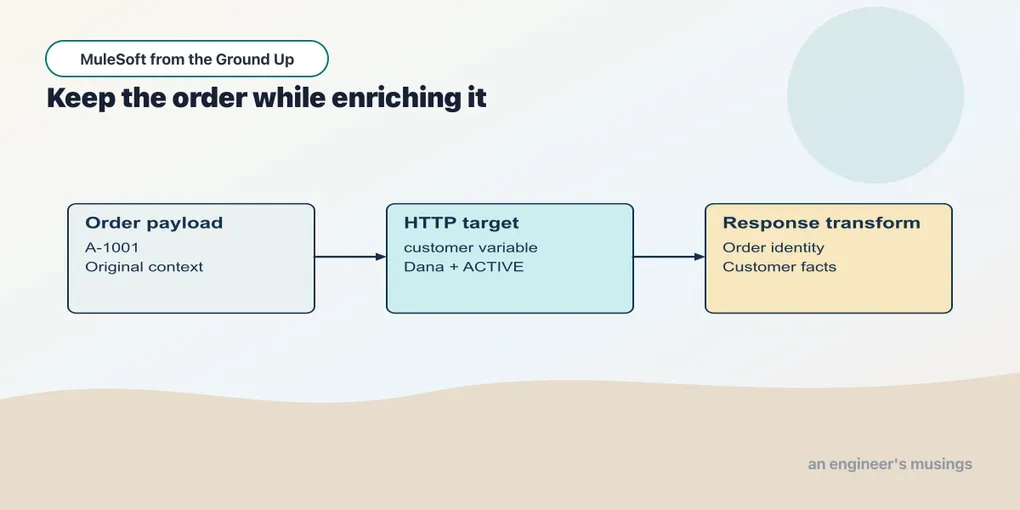
Send A-1001 to a flow that immediately requests the customer record. After Request, payload describes the customer. Selecting payload.orderId at that point asks a customer document for an order field. The missing value is a consequence of replacement, not a mysterious failure of the selector.
A Request target gives the returned value a separate location, allowing the current order to remain the message payload.
Open this checkpoint in ACB
Stop the previous application. Open book/checkpoints/10-enrichment-tests from the companion as the project folder, then open src/main/mule/app.xml. Use Flow List to select the named example. Run Run Mule Application from Run and Debug; wait for deployment before sending requests. After a canvas edit, use Save and Hot-deploy to Local Runtime.
Start the controlled dependency with python3 book/stubs/server.py from the companion root in a separate terminal before calling these flows. It listens on port 18882.
The HTTP verification command, run from the companion root while this checkpoint is running, is python3 book/run.py verify 10. It checks the supplied baseline; restore exercise changes before using it.
Put the response beside the order
Example 024 — Keep the order during enrichment
The complete source is in checkpoints/10-enrichment-tests/src/main/mule/app.xml.
Choose Flow List → enrich-order. Select Request and check Connection Config Dependency_HTTP, Method GET and Path /customers/C-42. Open Advanced → Output and set Target Variable to customer; keep Target Value as the expression payload.
Select the following Transform Message and inspect its Payload inline script:
%dw 2.0
output application/json
---
{orderId: payload.orderId, customer: vars.customer.name, status: vars.customer.status}
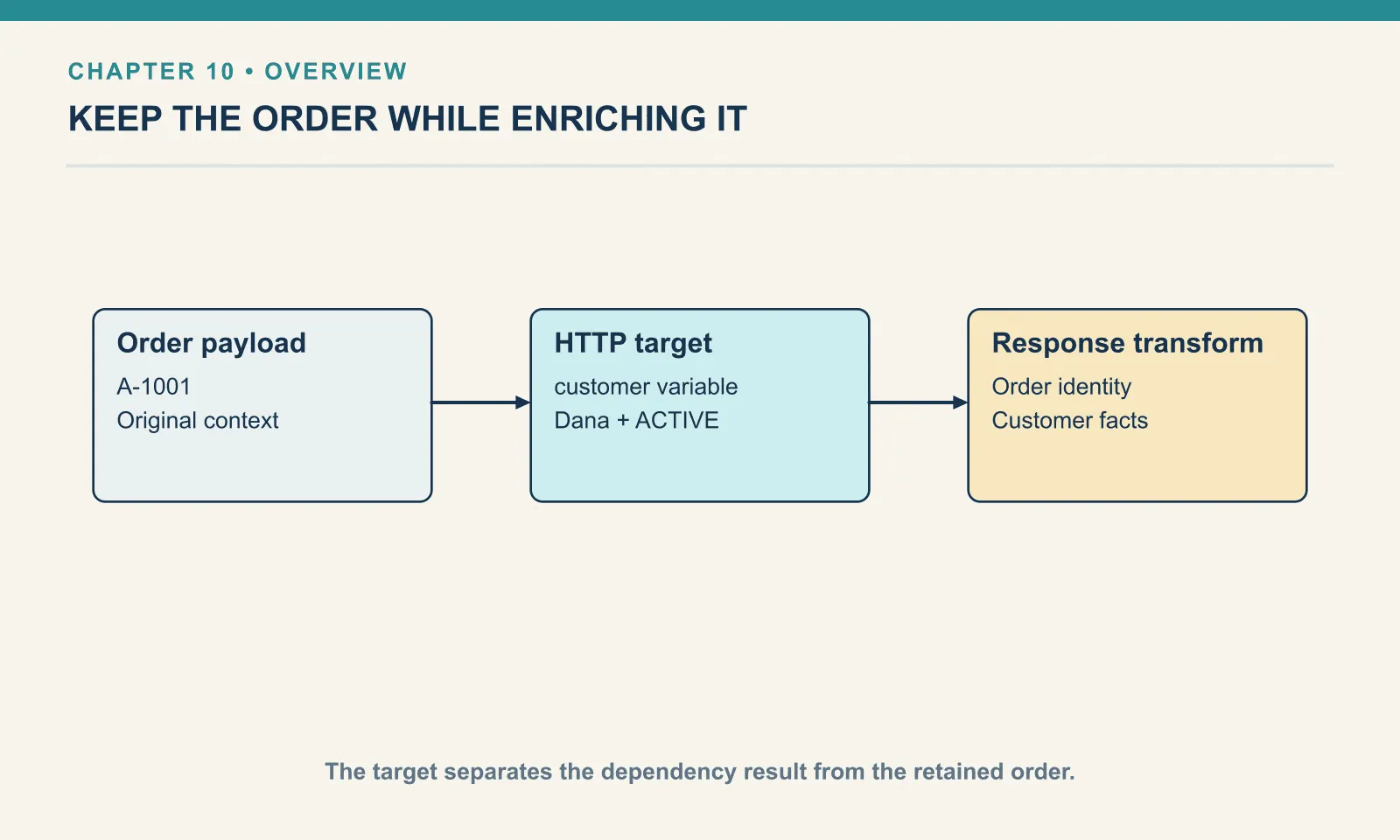
The Target Variable value customer stores the request’s returned payload in vars.customer. The following transform reads the order identity from payload and the customer fields from the variable.
Post book/fixtures/order-calculation.json to /enriched. The response is:
{"orderId":"A-1001","customer":"Dana","status":"ACTIVE"}The name status here is the customer’s business status, ACTIVE. It is not the HTTP status code. Names that describe the source make later investigation much easier.
| After the successful Request | Where this flow reads it |
|---|---|
| Original order | payload |
| Customer document | vars.customer |
| Incoming order-request attributes | Still on the caller’s message |
By default the target value is the returned payload. When you need the dependency’s response attributes as well, set Advanced → Target Value to the expression message. That stores the returned message, whose payload and attributes must then be selected explicitly. message does not include the caller’s entire variable map. The representation workshop keeps a complete example of that variant.
A target does not create a successful result after a failed request — and if a flow reuses one variable name across several calls, a stale earlier value can be read as this call’s answer during recovery. Give separate dependency results separate names and construct the fallback deliberately.
Recover an optional shipping lookup
Example 025 — Keep an unavailable estimate explicit
The complete source is in checkpoints/10-enrichment-tests/src/main/mule/app.xml.
Choose Flow List → optional-shipping and expand Try. The Request inside it calls /shipping/unavailable through Dependency_HTTP, with Method GET and Target Variable shipping.
In the Try’s Error handler, select On Error Continue and inspect Type HTTP:SERVICE_UNAVAILABLE. Its Set Variable has Name shipping and Value expression {available: false}. Select the Transform Message after Try to inspect the response script:
%dw 2.0
output application/json
---
{orderId: payload.orderId, shipping: vars.shipping}
The controlled /shipping/unavailable endpoint returns HTTP 503. The Request operation treats it as an error, so the Try’s handler sets vars.shipping to an explicit unavailable value. Posting A-1001 to /shipping returns:
{"orderId":"A-1001","shipping":{"available":false}}The order is retained, and the response does not pretend the estimate is zero. The choice to continue belongs to this endpoint’s contract: the estimate is optional. A mandatory save would use a different policy.
Other non-2xx responses require their own interpretation. For a lookup, an expected 404 can be handled as absence. A success-status-code validator can admit 200 and 404 so the flow branches on the saved response status, or a typed error handler can map the documented not-found error. Accepting 404 changes the control path — it does not turn the error document into a customer. Pick one approach, test both present and absent records, and do not make every failure look like “customer not found.” A 200 whose body reads {"error":"temporarily unavailable"} is the same trap from the other side: a status at the HTTP layer says nothing about whether the body follows the schema this flow expects.
Test the target contract
The real local call established the connection and returned fixture. A MUnit mock lets us test the flow’s reaction to that result without requiring the controlled server in every unit test. Mocks are installed after the application initializes, though — a connector can still need valid startup configuration even when its operations are mocked, so an offline test means the external calls during the scenario are controlled, not that the project has stopped needing its dependencies.
Example 026 — Mock the result the flow reads
The complete source is in checkpoints/10-enrichment-tests/src/test/munit/app-test.xml.
Open src/test/munit/app-test.xml and select retains-order-and-customer in the test canvas. In Behavior, Set Event supplies the same JSON order as chapter 6. The next component is Mock when.
| Mock setting | Value |
|---|---|
| Processor | http:request |
| Attribute to match | target |
| Attribute’s Where value expression | 'customer' |
| Then return → Variables → Key | customer |
| Returned variable’s Value expression | {name: 'Dana', status: 'ACTIVE'} |
The mock returns a variable, so keep the original payload in Set Event. In Execution, Flow Reference calls enrich-order. In Validation, inspect these three checks:
| Component | Expression or processor | Expected value |
|---|---|---|
| Assert that | payload.orderId | MunitTools::equalTo('A-1001') |
| Assert that | payload.customer | MunitTools::equalTo('Dana') |
| Verify call | http:request | Times 1 |
Run the suite from Testing, as in chapter 6. Compare the actual assertion values and invocation count before editing any expectation.
The mock matches the HTTP Request whose target is customer. Its return value supplies a variable named customer, which is where the application reads the operation’s result. The caller’s order remains available for the final transform.
A mock that simply replaces the payload with a customer document would undo the very behavior under test. The test could then fail for an artificial reason, or a rewritten flow could accidentally start depending on that inaccurate arrangement. Read the real operation’s target contract before choosing the mock’s return shape.
Matching on the target costs a few more lines than intercepting every http:request, and it is worth them. The broad matcher would let a second lookup receive the customer fixture, or hide an accidental extra network call — this one names the single interaction it stands in for, and verify-call then checks that the interaction happened.
The assertions check order identity, customer name and one request invocation. Those answer different questions. Preserving A-1001 checks caller context, reading Dana checks the dependency result, and the call count checks the interaction. None proves TLS trust or that a real customer service always returns this shape, and an internal flow reference cannot prove that /enriched is configured correctly either — retain the HTTP integration check for the actual boundary.
Extract only what the application needs
Saving the whole message is useful when response metadata matters. Saving only the payload is simpler when it does not. Keeping an entire request body in several variables also makes a later flow harder to read — even when the event model shares rather than immediately copies the content.
The name response becomes ambiguous as soon as a flow has two calls, so name variables by role instead: order, customer, catalogue, shipping. A small state table beside a transform often exposes that ambiguity before a test does.
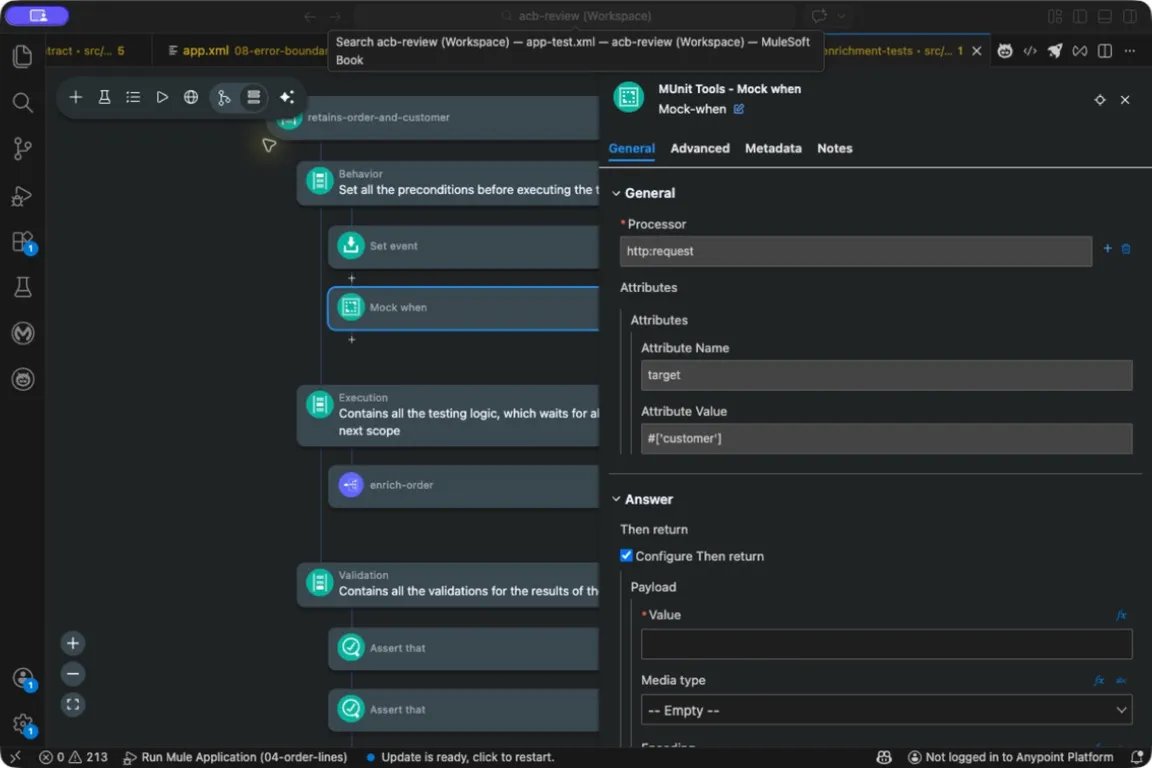
Mock when matches the Request by its customer target attribute. The returned variable from the table above is configured further down the same panel, below what this view shows.
Try it
1. Read a message target. If the target is configured with the Target Value expression message, how must the customer-name selector change?
Show answer
The saved target is now a message, so use vars.customer.payload.name. The dependency HTTP status is under vars.customer.attributes.statusCode. Update the mock and assertions to reflect that different saved shape.
2. Make shipping mandatory. What needs to change besides the error body?
Show answer
The failure must stop the operation that requires shipping. Replace the local Continue policy with a propagated failure and a deliberate request-boundary status. Tests should assert that subsequent mandatory work does not run.
3. Remove the target in the real flow. What should the current test expose?
Show answer
The flow loses its original order payload and no longer has the same target assignment. Its final transform cannot satisfy both the retained identity and dependency-result assertions. Adjusting the mock to hide that change would weaken the test.
Enrichment gives the order information owned elsewhere. Next we give the result a place to be stored and independently read back.
Comments